Parail is a web browser with two panes. Keep a video playing on top while you read a map or an article below — even with sound in both. On iPhone Duo, pages extend all the way under the strip on the right edge.
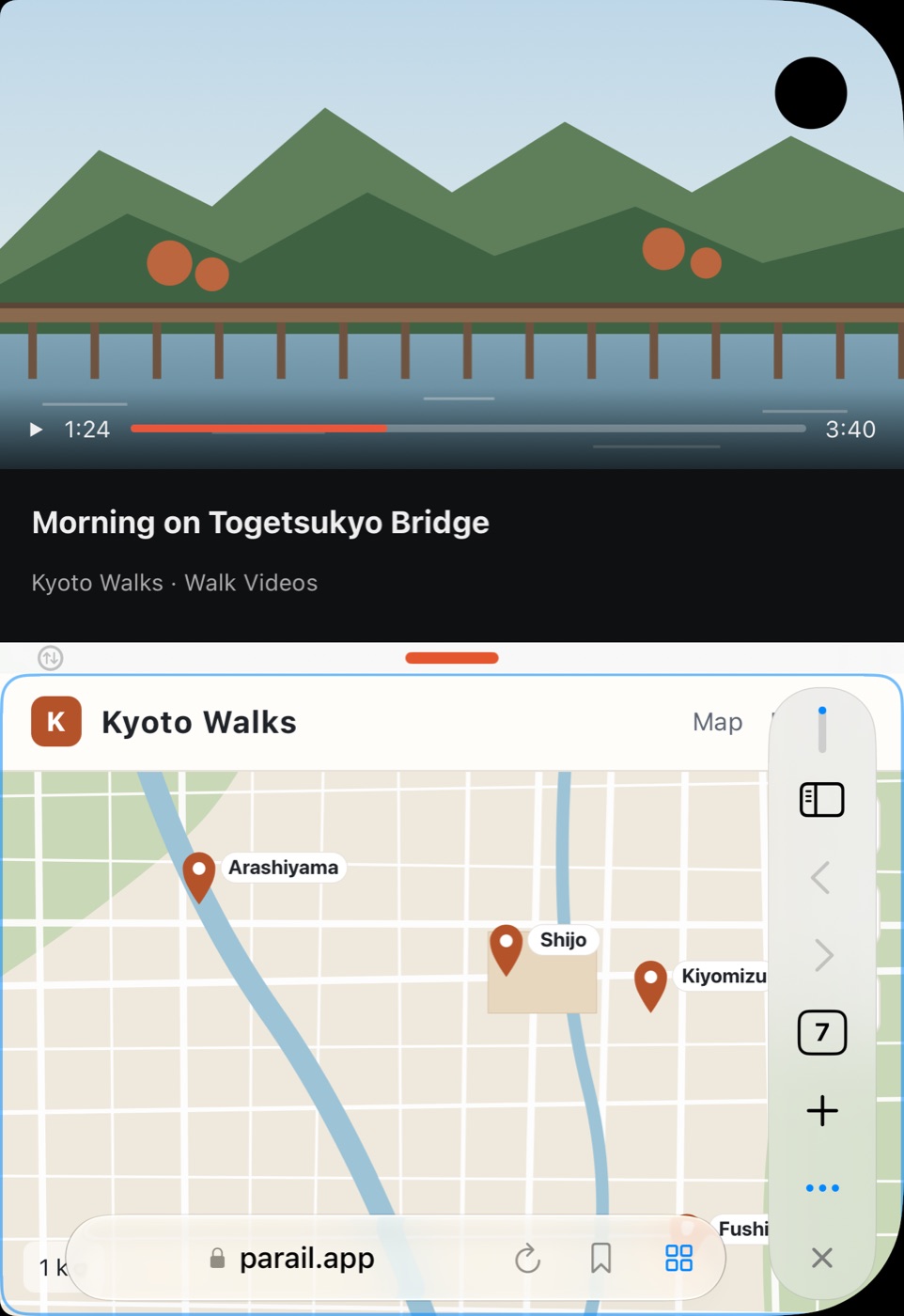
MOVIE
On iPhone Duo, two pages at once — folded, unfolded, or turned. On iPhone, drag the divider to resize. On iPad, scroll an article and its translation together. Pick a device to watch.
ANY DEVICE
The way the screen is split, and where the controls go, adapts to your device and how you hold your iPhone Duo.
Controls on the right-edge rail
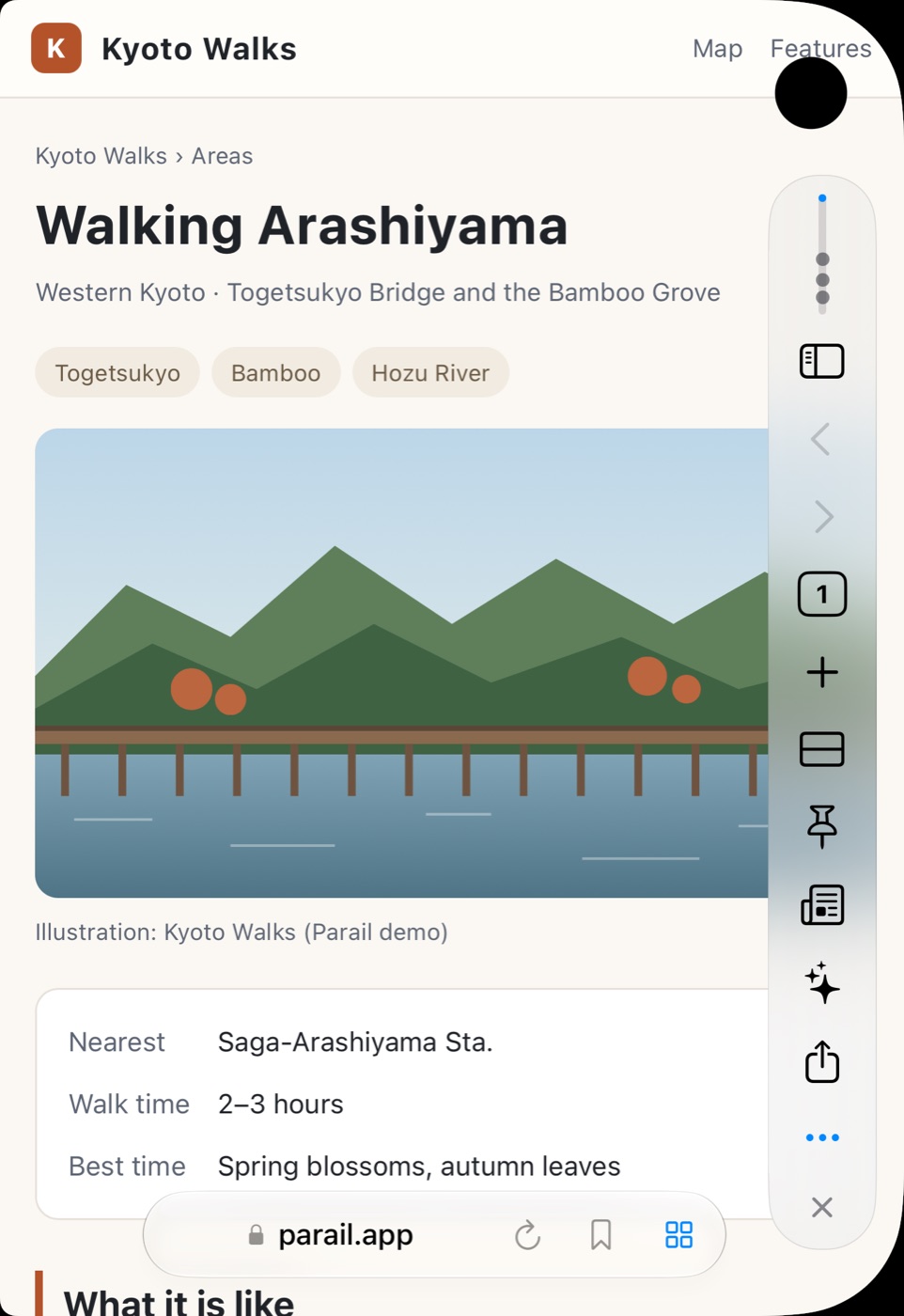
Top and bottom along the fold
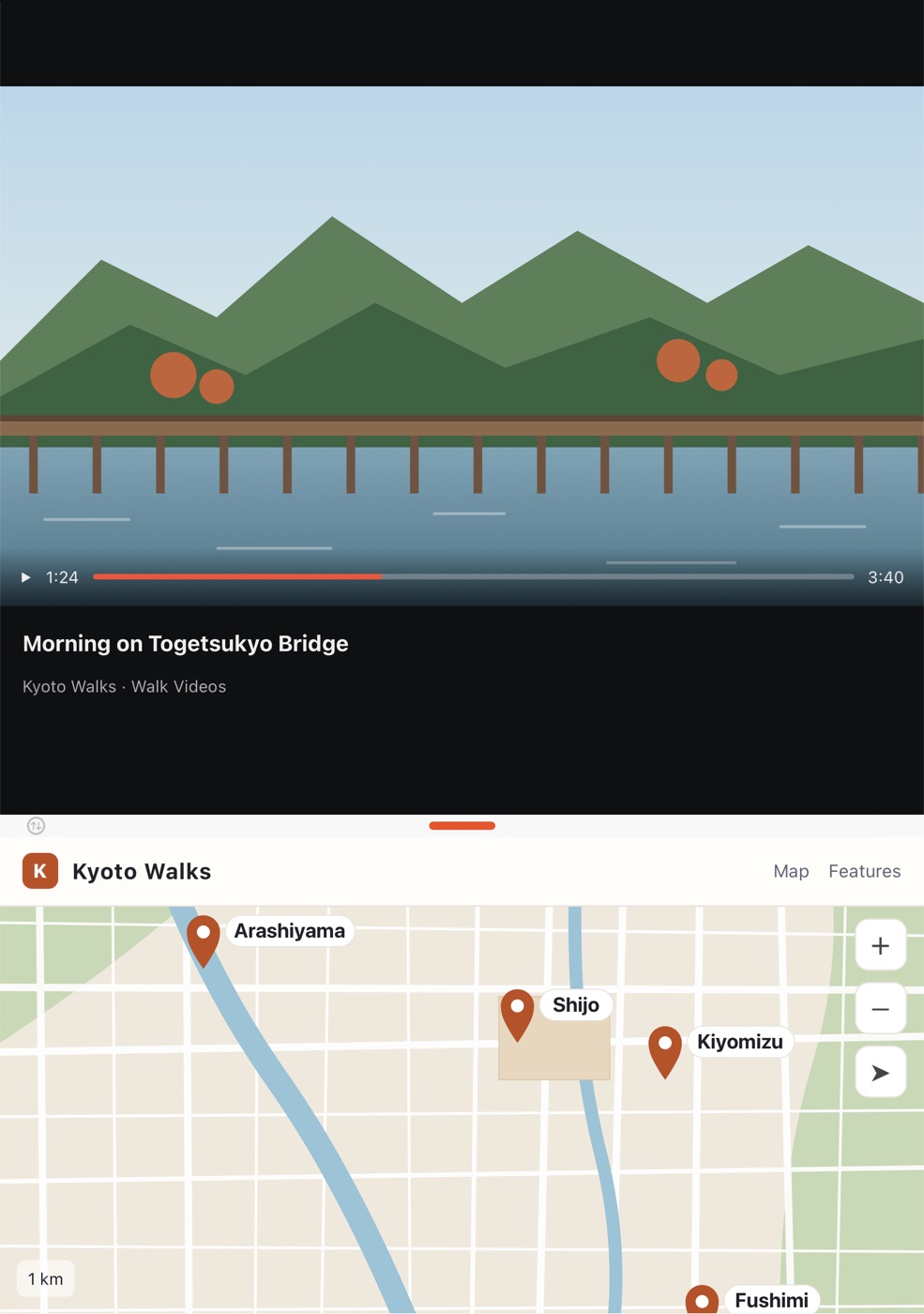
Side by side with a sidebar
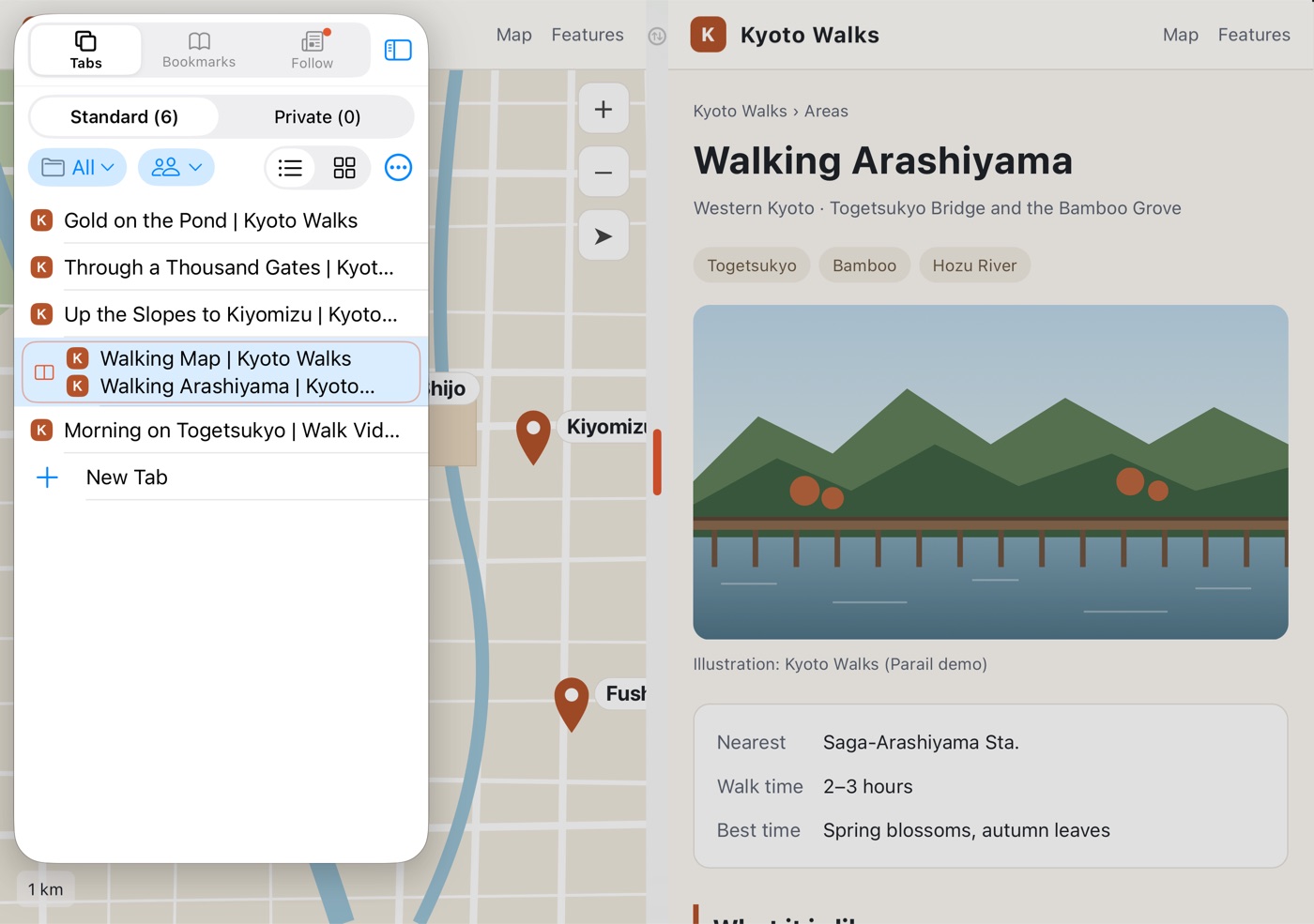
Side by side on a big screen
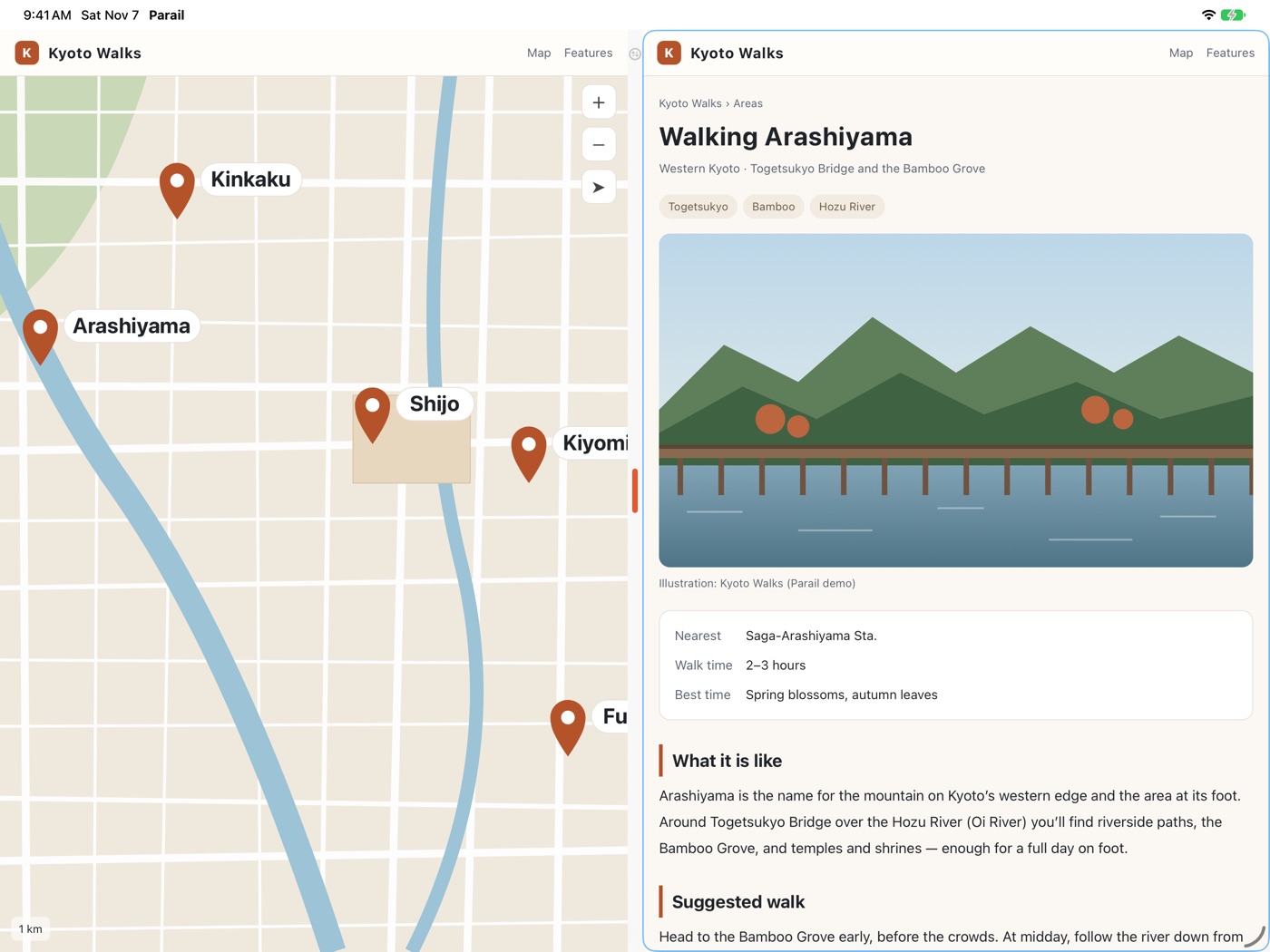
Top and bottom on any iPhone
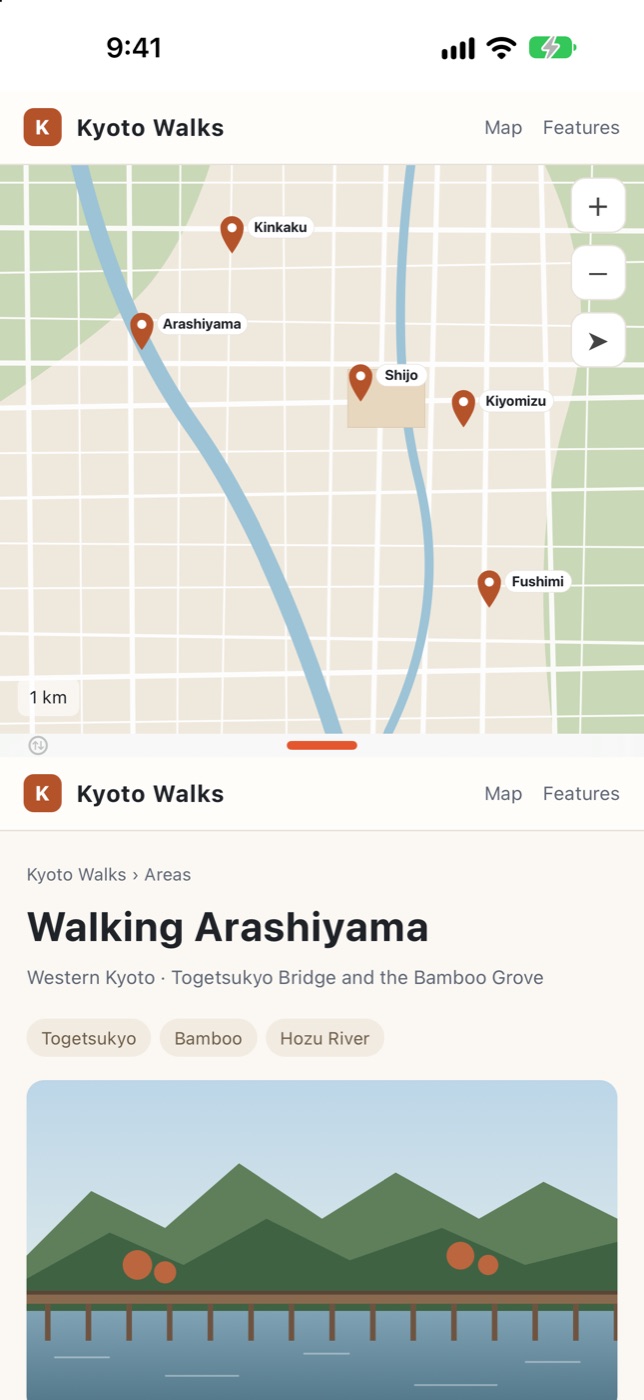
See every tab as a thumbnail
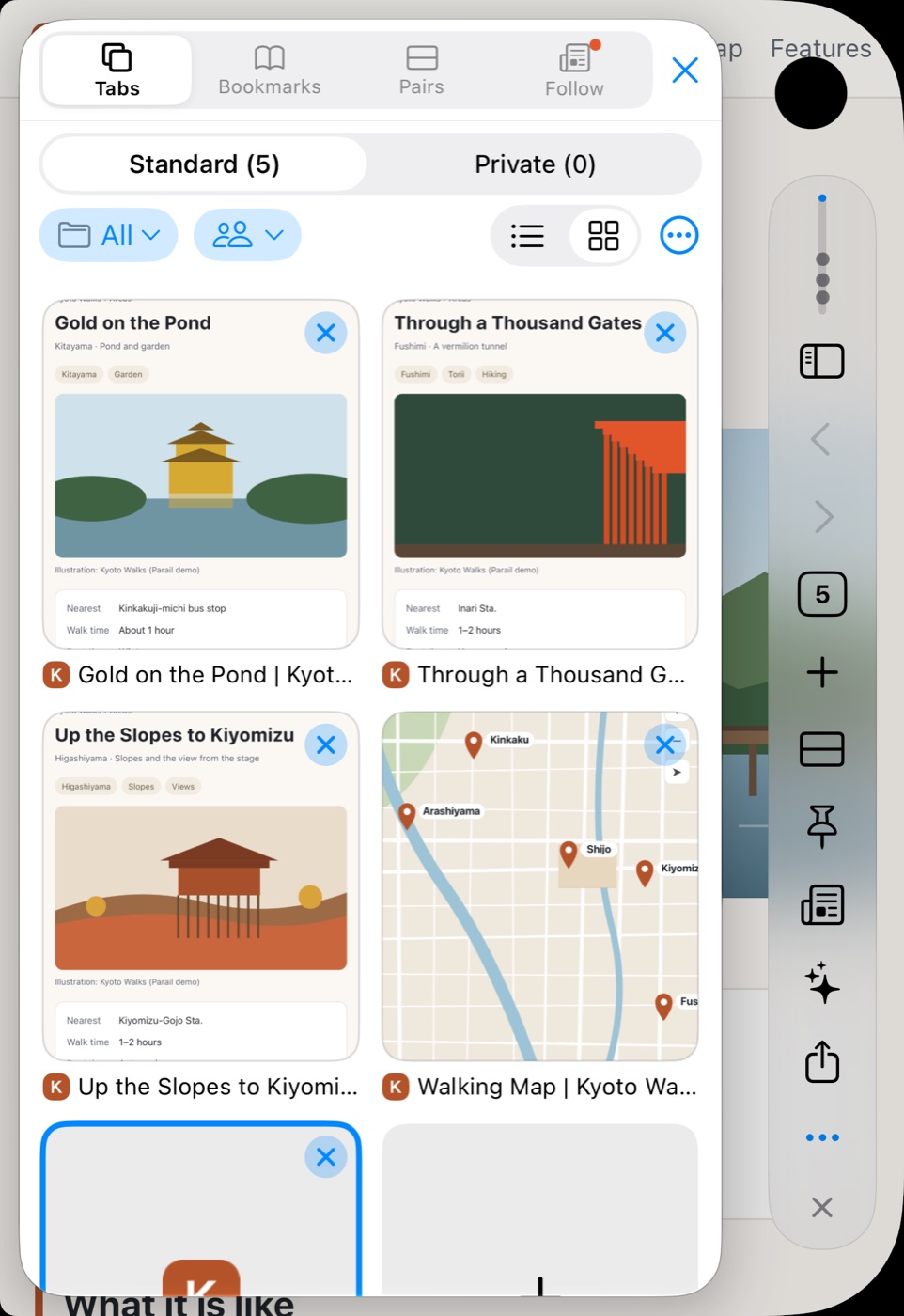
Swipe sideways to see more devices
FEATURES
Compare, copy, look things up. Everything you need is within reach while both pages stay on screen.
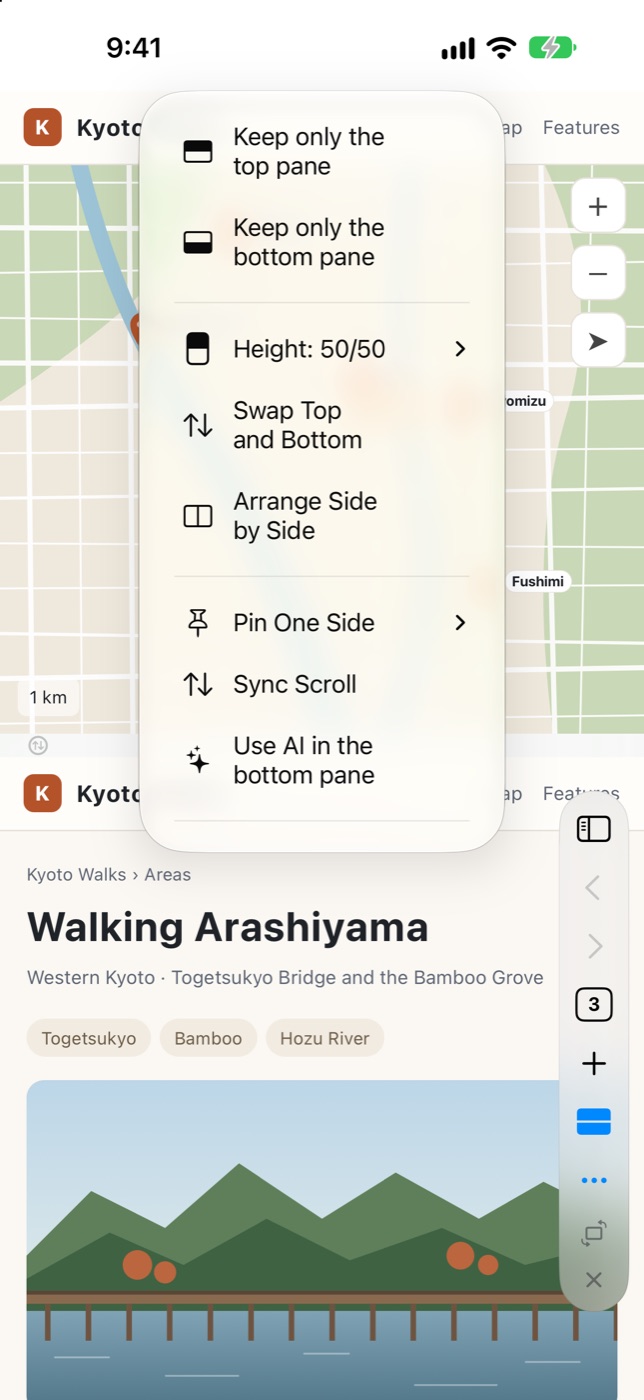
Long-press the divider to see the layouts as pictures, or drag it to any height you like.
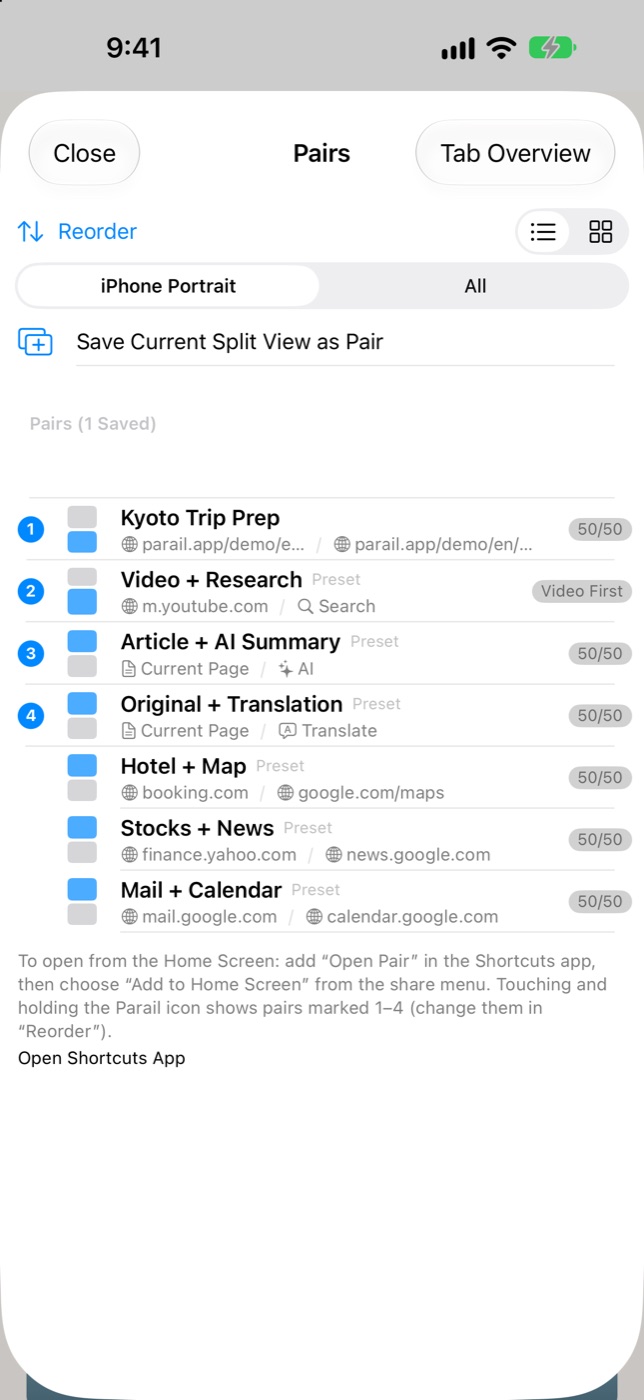
Save what goes on top and bottom — sizes included — as a "pair". Next time, just pick it to get the same split view back.
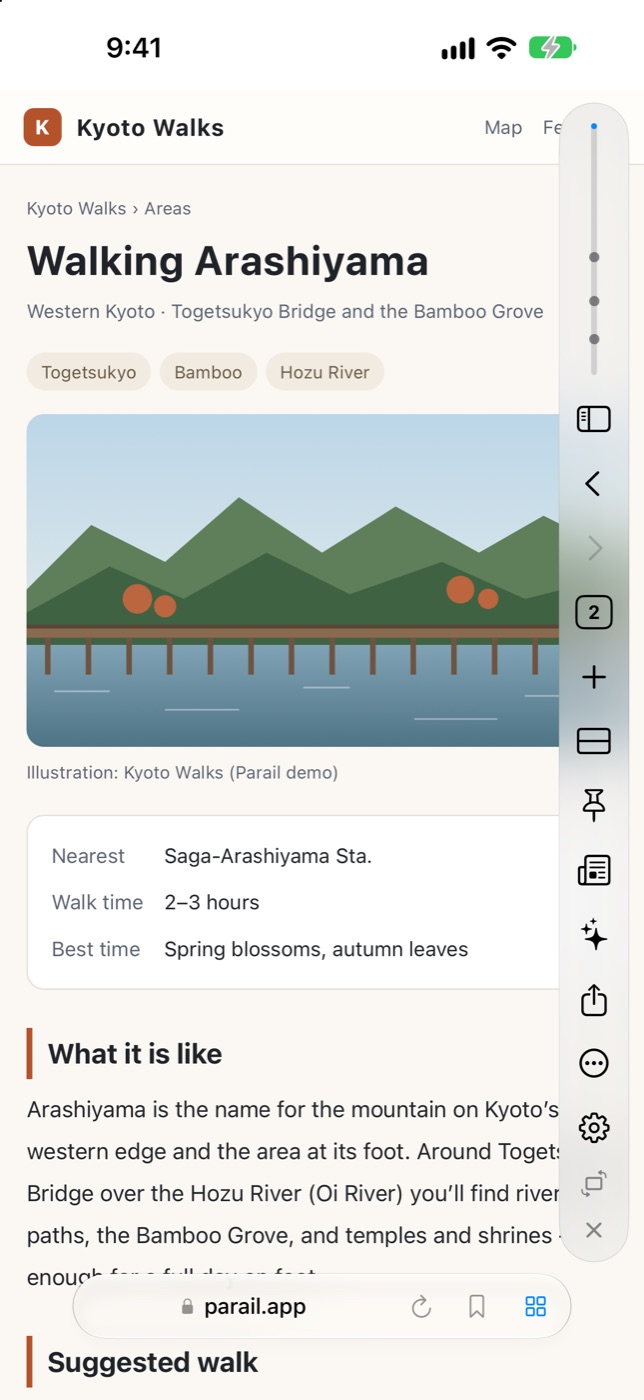
While you scroll, the address bar folds away so the page reaches the edges. Tap the page and your buttons line up on the rail at the right edge.
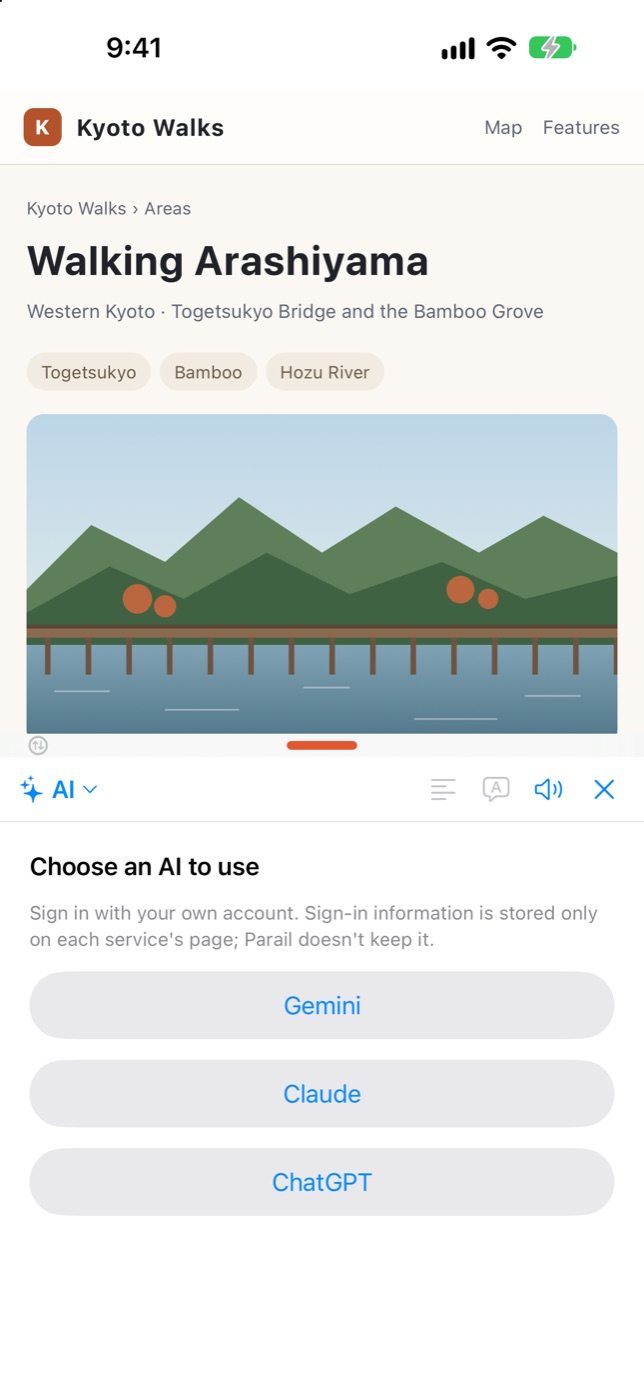
Show ChatGPT, Claude or Gemini in the bottom pane to summarize, translate or ask questions. You use your own account, so Parail never holds your login.
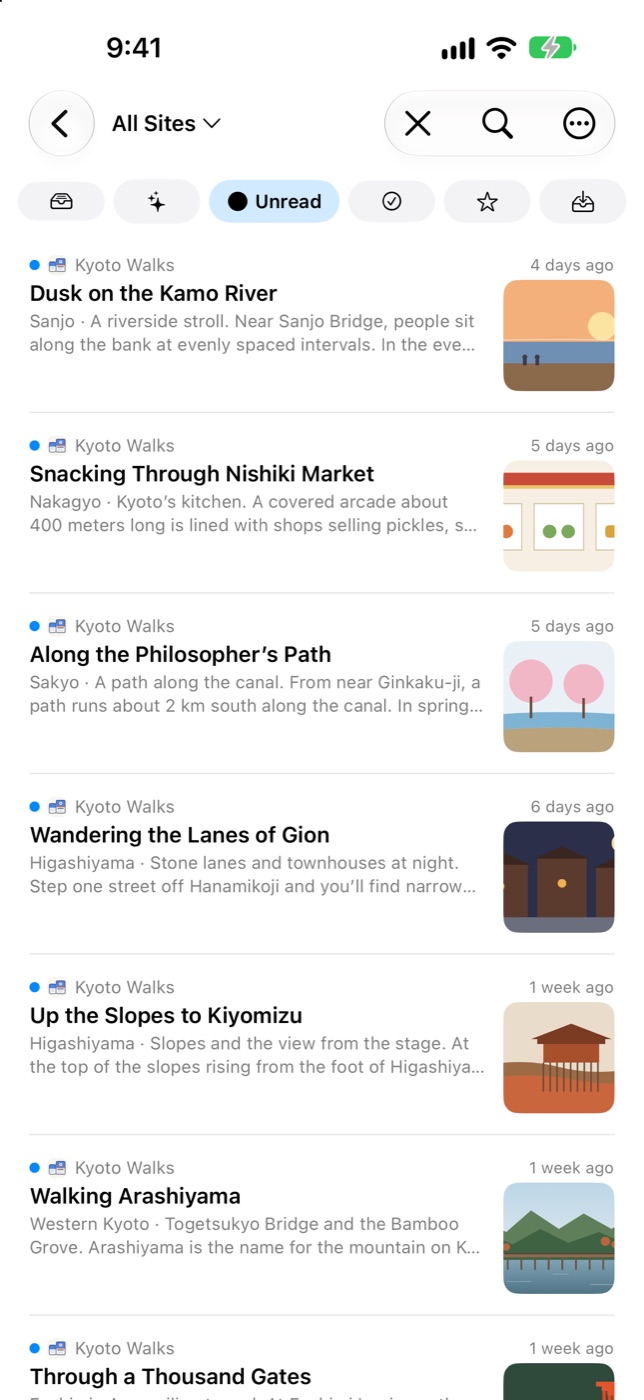
Like a site? Follow it right from the address bar. See new and unread articles in one place, and get notified when they update.
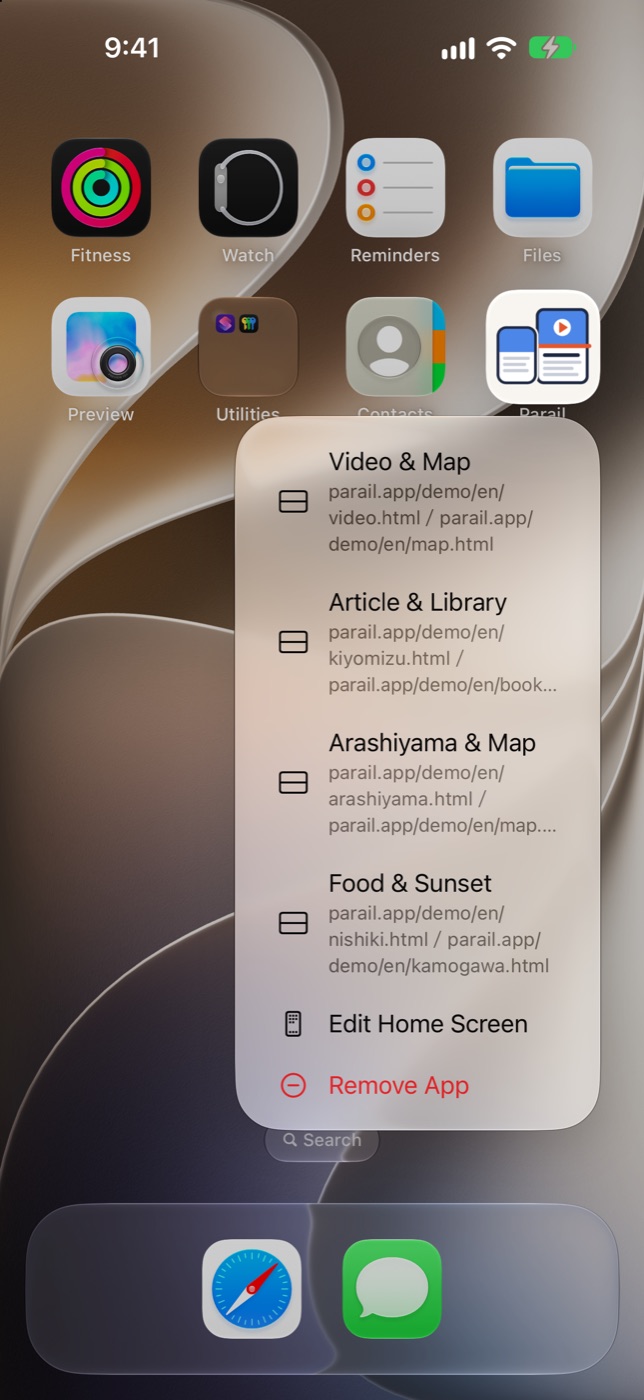
Pairs remember the layout and pane sizes. Long-press the Parail icon on the Home Screen to open the top four in your list.
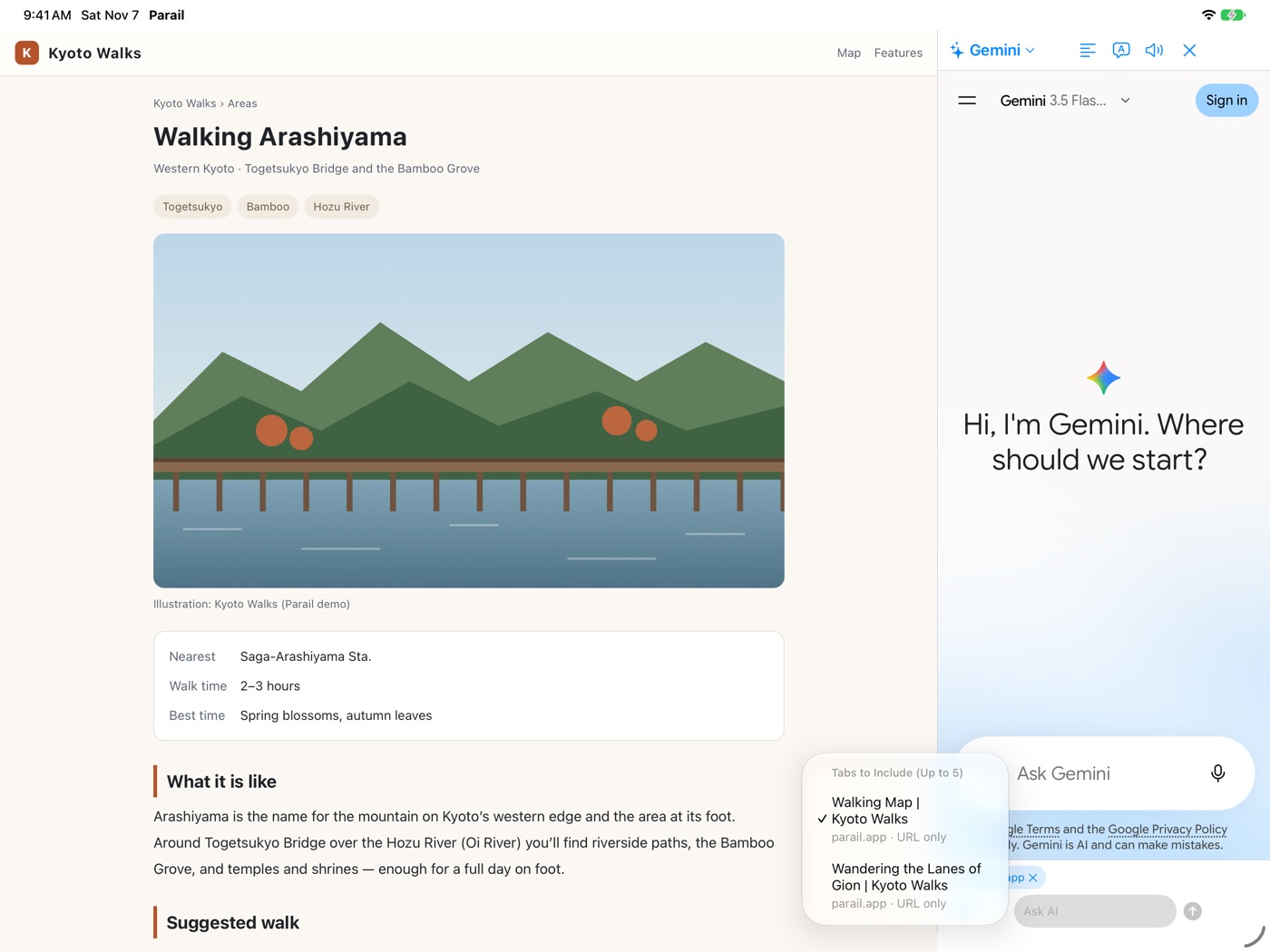
Just choose the pages you want to compare and ask. Keep the web and AI side by side, or lay AI over a split view.
AND MORE
Show just the article, easy to read. Read it aloud with on-device voices.
Uses lists built into the app and decides everything on your device.
Pages go dark too, following your device's Dark Mode.
Browse without history, and lock your tabs with Face ID.
Just swipe to go back, close tabs and more.
Bookmarks, pairs, tabs and follows on all devices with the same Apple Account.
PRICING
Not a subscription. Buy once and keep it. Family Sharing is supported.
| Feature | Free | ProOne-time purchase |
|---|---|---|
| Split view (top/bottom, side by side) | ✓ | ✓ |
| Sound from both panes at once | ✓ | ✓ |
| AI summary, translation, questions | ✓ | ✓ |
| Tracker & pop-up blocking | ✓ | ✓ |
| Private tabs with lock | ✓ | ✓ |
| Reader view, read aloud | ✓ | ✓ |
| Edge swipes (default actions) | ✓ | ✓ |
| Follow (RSS reader) | 50 sites | Unlimited |
| Saved pairs | Up to 2 | Unlimited |
| Ad blocking | 30 min/day | ✓ |
| iCloud sync | − | ✓ |
| Customize rail buttons | − | ✓ |
| Custom edge swipe actions | − | ✓ |
| Per-site view and rules | − | ✓ |
| Profiles and workspaces | − | ✓ |
| Macros | − | ✓ |
See the App Store for the Pro price in your country or region.
FAQ
No. Parail is free to download and use. Parail Pro is a one-time purchase that unlocks extra features, and Family Sharing is supported.
iPhone and iPad with iOS 27 or later, including the foldable iPhone Duo. On iPhone the two pages sit top and bottom; on iPad and an open iPhone Duo they can sit side by side.
Yes. Videos with sound can play in both panes at the same time. You can turn this off in Settings > Page.
Yes, with profiles (Pro). Each profile keeps its own cookies and logins, so you can open the same site with different accounts side by side.
Parail shows the official ChatGPT, Claude or Gemini website next to your page. You sign in with your own account. Parail does not provide an AI service and never sees your login.
No. There is no account, no developer server, and no analytics or ad SDKs. History and bookmarks stay on your device, or in your own iCloud if you turn on sync.
English and Japanese. Other languages show English.
PRIVACY
Parail has no server and no accounts. We never receive your browsing history or bookmarks.
No advertising, analytics or crash-reporting tools are built in.
Saved in your own iCloud. You can turn it off in Settings.
Tabs you aren't using are released from memory to keep things fast.

For iPhone Duo, iPhone and iPad. Free to start, with an optional one-time Pro purchase.
Download on theApp Store